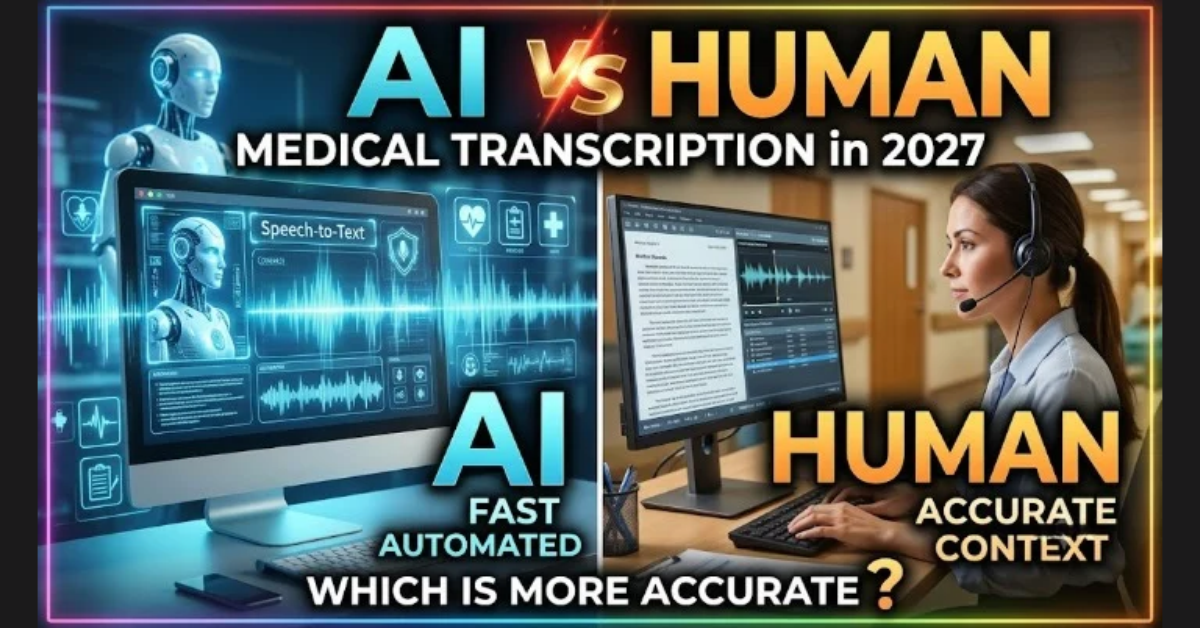
AI-powered
transcription tools have revolutionized how individuals and businesses convert
audio and video into text. Whether you're a content creator, journalist,
student, or business professional, these tools make it easy to transcribe audio
to text quickly, accurately, and affordably.
In this guide,
you’ll discover the best AI transcription tools, their features,
benefits, and how to choose the right one for your needs.
What Are AI Transcription Tools?
AI transcription
tools are software solutions that use artificial intelligence and natural
language processing (NLP) to convert spoken audio or video into written
text.
These tools
analyze speech patterns, detect words, and generate transcripts automatically often
including punctuation, timestamps, and speaker identification.
Why Use AI Transcription Tools?
Manually
transcribing audio or video content is time-consuming and prone to errors. AI
transcription tools automate this process, saving time and improving
productivity.
Key Benefits of AI Transcription Software
- Speed: Transcribe hours of audio in
minutes
- Accuracy: Up to 80%–95% accuracy depending
on audio quality
- Cost-Effective: Many tools offer free plans or
low-cost pricing
- Scalability: Ideal for individuals, teams,
and enterprises
- Versatility: Supports multiple languages and
file formats
Best AI Transcription Tools (Free & Paid)
Here are the top
tools to transcribe audio and video to text in 2026:
1. Otter.ai – Best for Meetings & Collaboration
Otter.ai offers
real-time transcription and integrates seamlessly with platforms like Zoom.
It’s perfect for meetings, lectures, and team collaboration.
Key Features:
- Live transcription
- Speaker identification
- Free plan available
2. Descript – Best for Audio & Video Editing
Descript is more
than a transcription tool—it allows you to edit audio and video by editing
text.
Key Features:
- Transcribe video to text
- Screen recording & editing
- Free and premium plans
3. Trint – Best for Content Creators & Journalists
Trint provides
high-quality transcription with powerful editing tools, making it ideal for
professionals.
Key Features:
- Interactive transcript editor
- Multi-language support
- Free trial available
4. Temi – Best Budget Transcription Tool
Temi is a fast
and affordable option for users who need quick transcription without advanced
features.
Key Features:
- Low-cost pricing
- Fast turnaround
- Simple interface
5. Sonix – Best for Multilingual Transcription
Sonix supports
multiple languages and is ideal for global teams and creators.
Key Features:
- Multi-language transcription
- Automated subtitles
- Advanced search
6. Rev AI – Best for High Accuracy Needs
Rev AI combines
AI transcription with optional human review for higher accuracy.
Key Features:
- High-accuracy transcripts
- API integration
- Human editing option
Comparison of Top AI Transcription Tools
|
Tool |
Best For |
Free Plan |
Accuracy |
Key Feature |
|
Otter.ai |
Meetings |
Yes |
High |
Real-time transcription |
|
Descript |
Video creators |
Yes |
High |
Edit media via text |
|
Trint |
Journalists |
Trial |
High |
Advanced editing |
|
Temi |
Budget users |
No |
Medium |
Affordable & fast |
|
Sonix |
Multilingual users |
No |
High |
Multi-language support |
|
Rev AI |
Professionals |
No |
Very High |
AI + human accuracy |
How to Transcribe Audio to Text Using AI
Follow these
simple steps:
- Upload your audio or video file
- Choose language and transcription
settings
- Let the AI process your file
- Review and edit the transcript
- Export as text, captions, or
subtitles
Best AI Transcription Tools by Use Case
- Best for meetings: Otter.ai
- Best for video editing: Descript
- Best for journalists: Trint
- Best budget option: Temi
- Best for multilingual content: Sonix
- Best for high accuracy: Rev AI
Pros and Cons of AI Transcription Tools
Pros
- Fast and efficient
- Affordable or free options
available
- Easy to scale for large projects
- Improves accessibility and SEO
Cons
- Accuracy depends on audio quality
- May require manual corrections
- Struggles with heavy accents or
noise
How to Choose the Right Transcription Tool
When selecting an
AI transcription tool, consider:
- Accuracy requirements
- Budget (free vs paid tools)
- Supported file formats
- Language support
- Integration with other tools
- Editing and export features
Choosing the
right tool depends on whether you prioritize cost, speed, or precision.
Accuracy of AI Transcription Tools
Most AI
transcription tools offer 80% to 95% accuracy, depending on factors
like:
- Audio clarity
- Background noise
- Speaker accents
- Technical vocabulary
For critical
projects, combining AI with human editing ensures the best results.
Future of AI Transcription Technology
AI transcription
is rapidly evolving. Key trends include:
- Real-time multilingual
transcription
- AI-generated summaries
- Voice emotion detection
- Integration with productivity
tools
- Improved accuracy with deep
learning models
Final Thoughts
AI-powered
transcription tools have made it easier than ever to convert audio and video
into text. From improving productivity to enhancing accessibility, these tools
are essential for modern workflows.
Whether you’re
looking for a free audio-to-text converter or a professional-grade
transcription solution, there’s a tool available to meet your needs.
Professional Transcription Services
If you require highly
accurate, human-reviewed transcription, consider professional services like
myTranscriptionPlace.
With expert-level
precision, fast turnaround, and reliable service, myTranscriptionPlace ensures
your transcripts meet the highest quality standards.
Best Translation Service
English to Indonesian Translation | English to Spanish Translation | English to Italian Translation | English to Russian Translation | English to Danish Translation | English to Vietnamese Translation | English to Japanese Translation | English to Finnish Translation | English to Dutch Translation | English to Arabic Translation | English to Norwegian Translation | English to Greek Translation.
FAQs
1. What is the best AI transcription tool?
The best AI transcription tools include Otter.ai, Descript, Trint, Sonix, and Rev AI. These tools offer high accuracy, real-time transcription, and support for multiple audio and video formats.2. Can I transcribe audio to text for free?
Yes, tools like Otter.ai and Descript offer free plans that allow users to transcribe audio to text with basic features and limited usage.3. How accurate are AI transcription tools?
AI transcription tools typically provide 80% to 95% accuracy, depending on audio quality, background noise, and speaker clarity.4. Can AI transcription tools handle accents?
Yes, many modern tools can recognize different accents and dialects. However, accuracy improves with clear audio and minimal background noise.
Nishi Singh
(Content Writer & SEO Manager)
She is an SEO Manager with over 8 years of experience in marketing and content creation. She specializes in SEO, content strategy, and paid advertisements, helping website owners across SaaS, B2B businesses, and e-commerce platforms achieve measurable growth. With a strong focus on driving organic traffic and crafting impactful content, Nishi has established herself as a trusted expert in the digital marketing space. When she's not optimizing websites, she channels her energy into marathon running, embracing challenges both on and off the track.